 iOS & Mac App · Widgets
Muslim Widget Studio
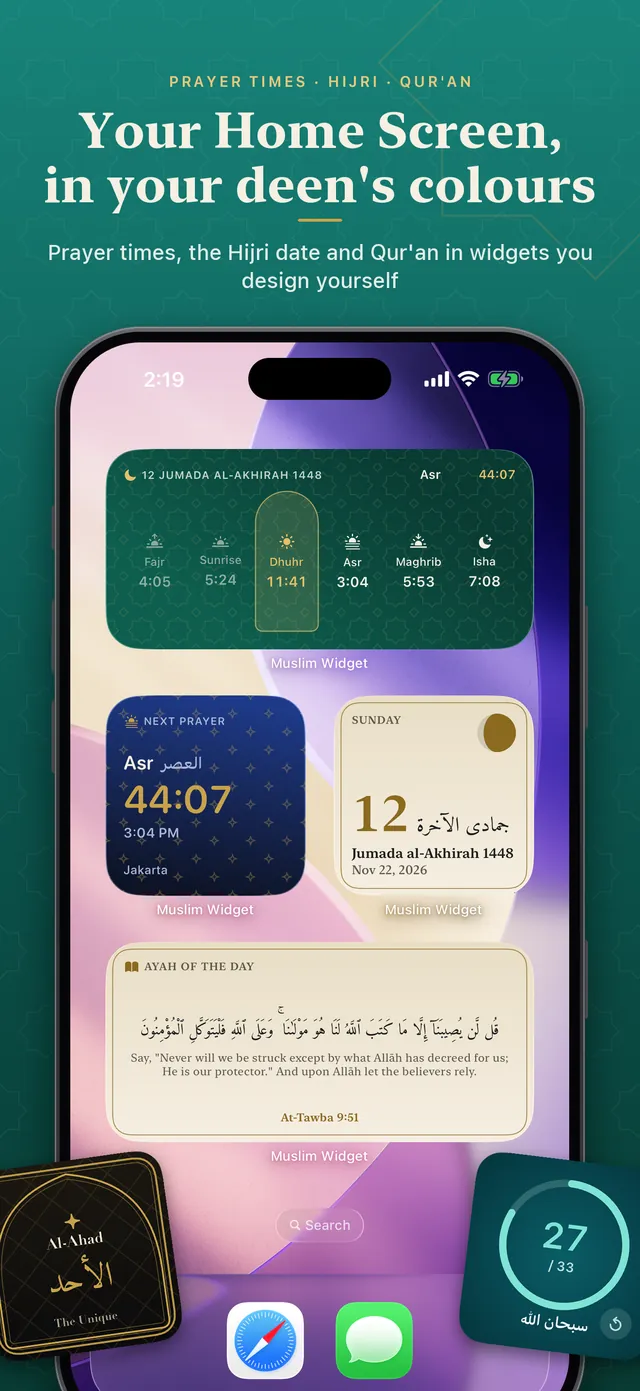
Design your own Islamic widgets. Prayer times, the Hijri date, the ayah of the day and your dhikr — on your Home Screen, Lock Screen, Mac desktop and Apple Watch, in a style you choose.
About Muslim Widget Studio
A widget studio, not another all-in-one prayer app. Pick what a widget shows, choose a layout and a theme, and add it to your Home Screen, Lock Screen or Mac desktop. What you see in the editor is exactly what appears on your device.
The look comes from Islamic art. Every pattern is drawn in code from Islamic geometry — the eight-point khatim star, girih and zellige — and the app uses no images of people or animals.
Prayer times and the Hijri date are always free. Pro pays for extra styles and features, never for worship information.
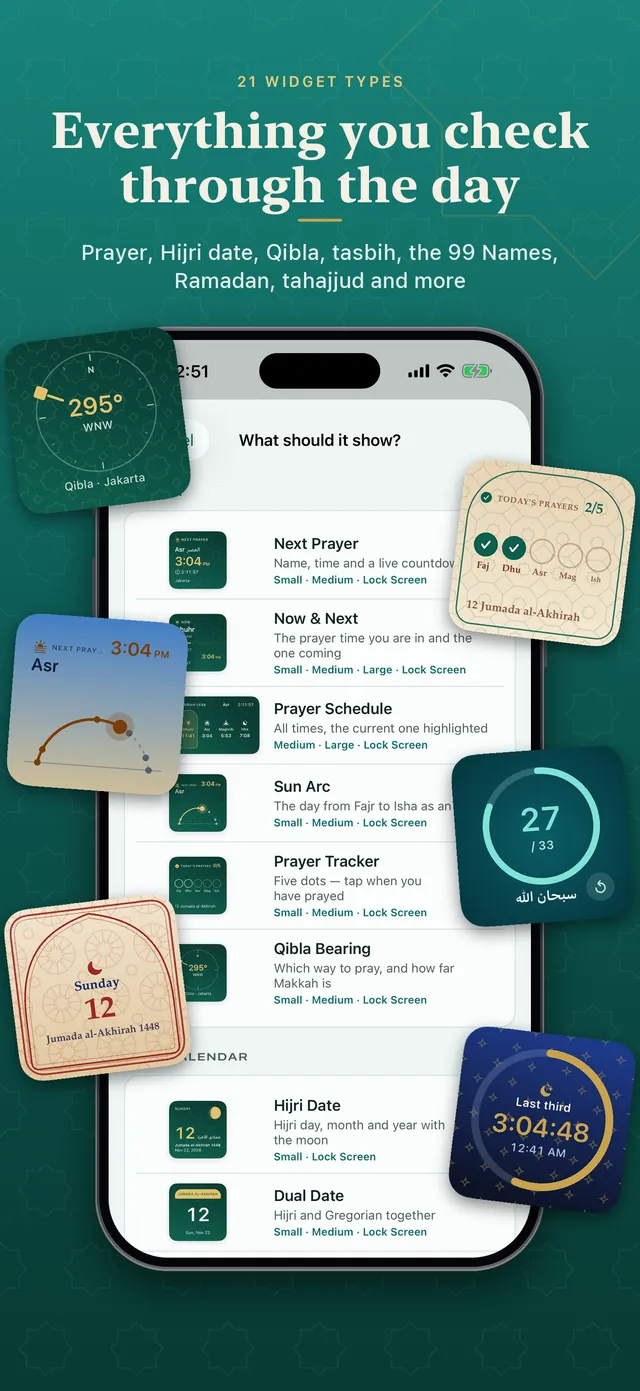
21 kinds of widgets
Each comes in the sizes that suit it: Small, Medium and Large on the Home Screen and the Mac desktop, and circles, rectangles and inline text on the Lock Screen. Widgets marked Pro need Muslim Widget Studio Pro.
Prayer
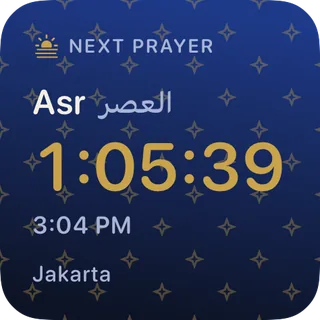
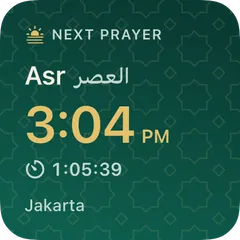
- Next Prayer: its time and a live countdown
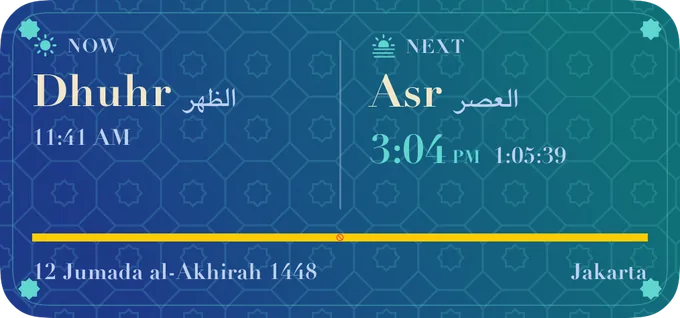
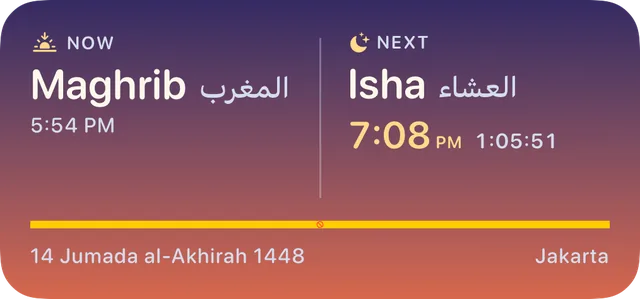
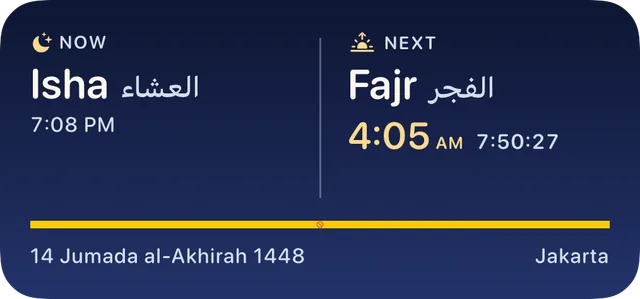
- Now & Next: the current prayer and the one after it
- Prayer Schedule: all of today's times
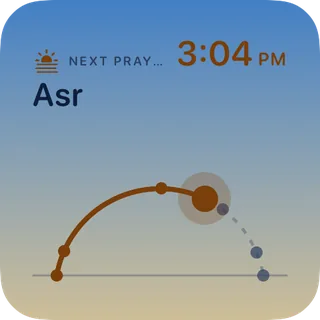
- Sun ArcPro the sun's path from Fajr to Isha
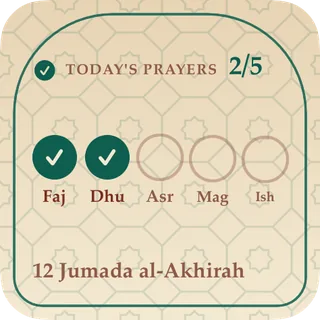
- Prayer TrackerPro tap a dot to mark a prayer as prayed
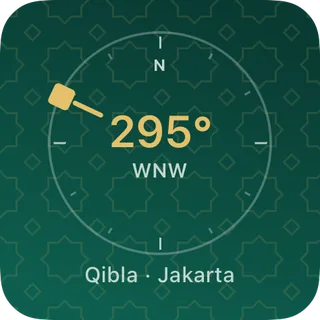
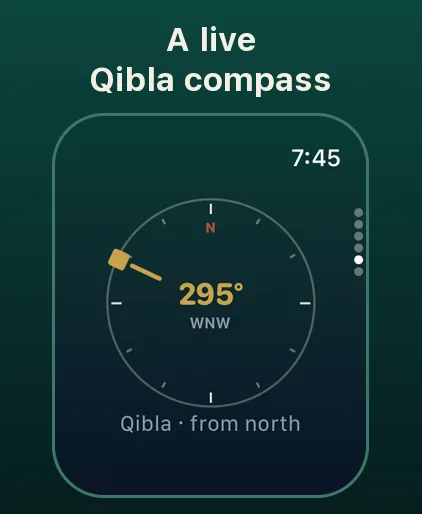
- Qibla Bearing: direction and distance to the Kaaba
Dates
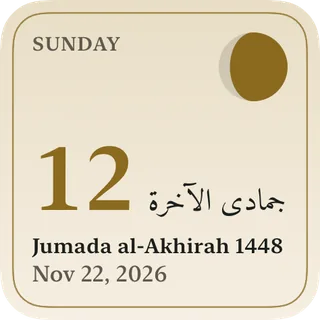
- Hijri Date: day, month and year with the moon phase
- Dual Date: the Hijri and Gregorian dates together
- Event Countdown: days to Ramadan, Eid, Arafah, Ashura or a date you choose
Qur'an and remembrance
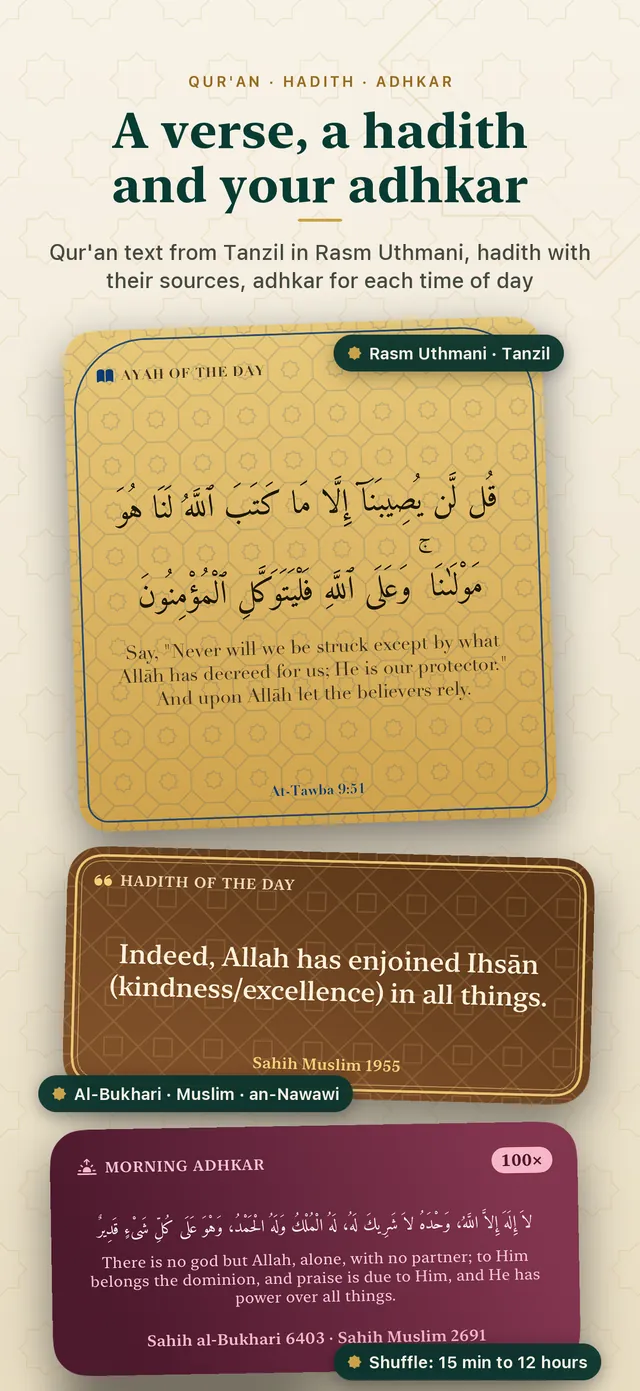
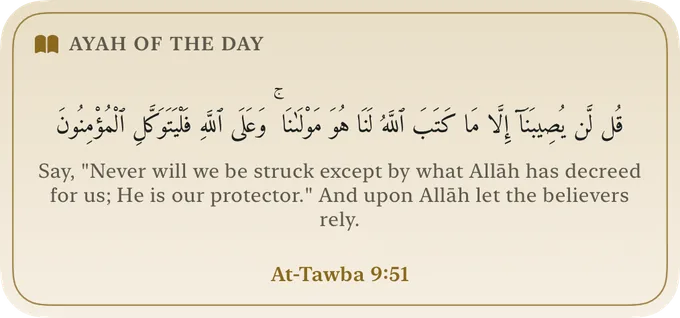
- Ayah of the Day: in Rasm Uthmani, with an optional English or Indonesian translation
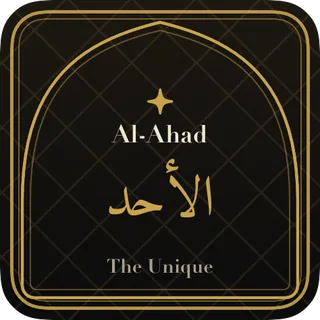
- Asma'ul Husna: one of the 99 Names of Allah, with its meaning
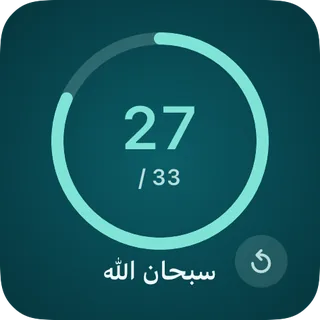
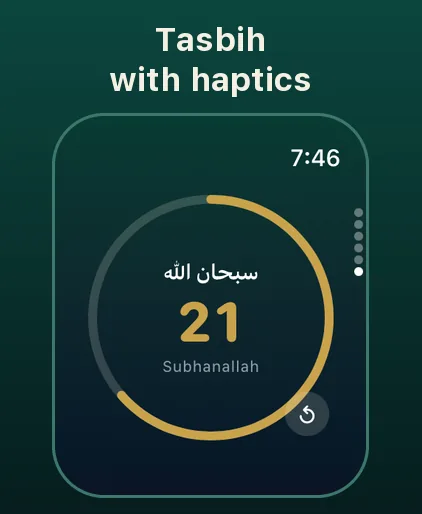
- Tasbih: a dhikr counter you tap right on the widget
- Adhkar: for waking, morning, evening and sleep
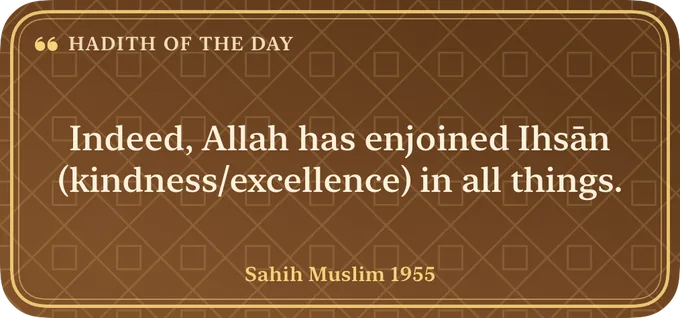
- Hadith of the Day: a short hadith with its source, from al-Bukhari, Muslim or an-Nawawi's Forty
Fasting and the night
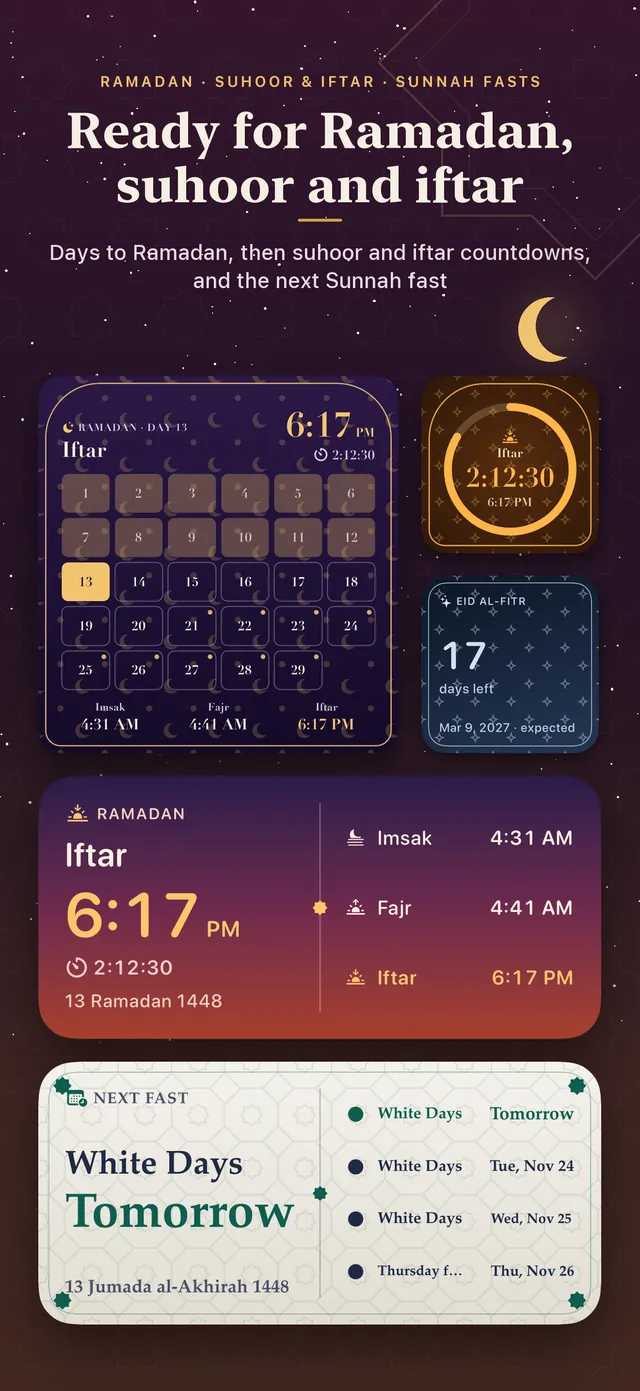
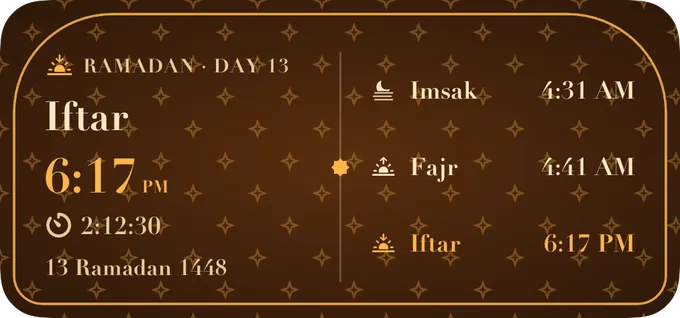
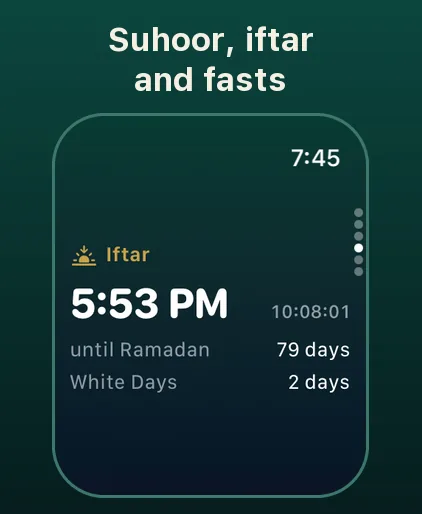
- Ramadan: suhoor and iftar countdowns and the day of the fast
- Suhoor & Iftar: imsak and iftar for any day you fast
- Next Sunnah Fast: Mondays and Thursdays, the White Days, Arafah, Ashura and Shawwal
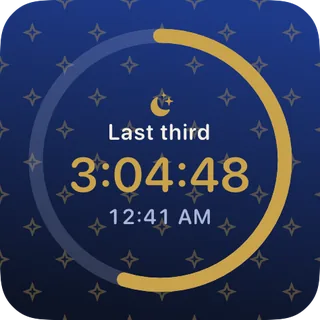
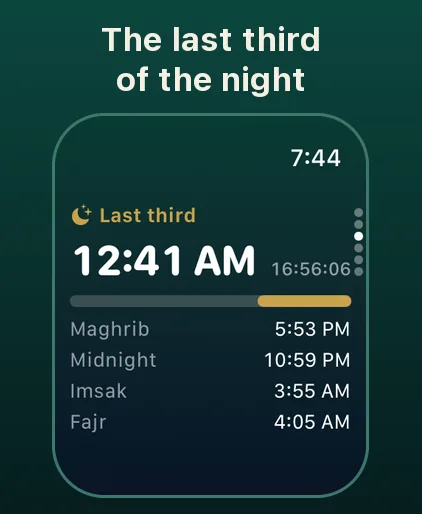
- Last Third of the Night: when tahajjud begins, then a countdown to Fajr
- Sleep for TahajjudPro a bedtime in full 90-minute cycles
Personal
- Custom TextPro your own dua, reminder or intention
- Photo + OverlayPro your photo with a small widget on top
Design every widget yourself
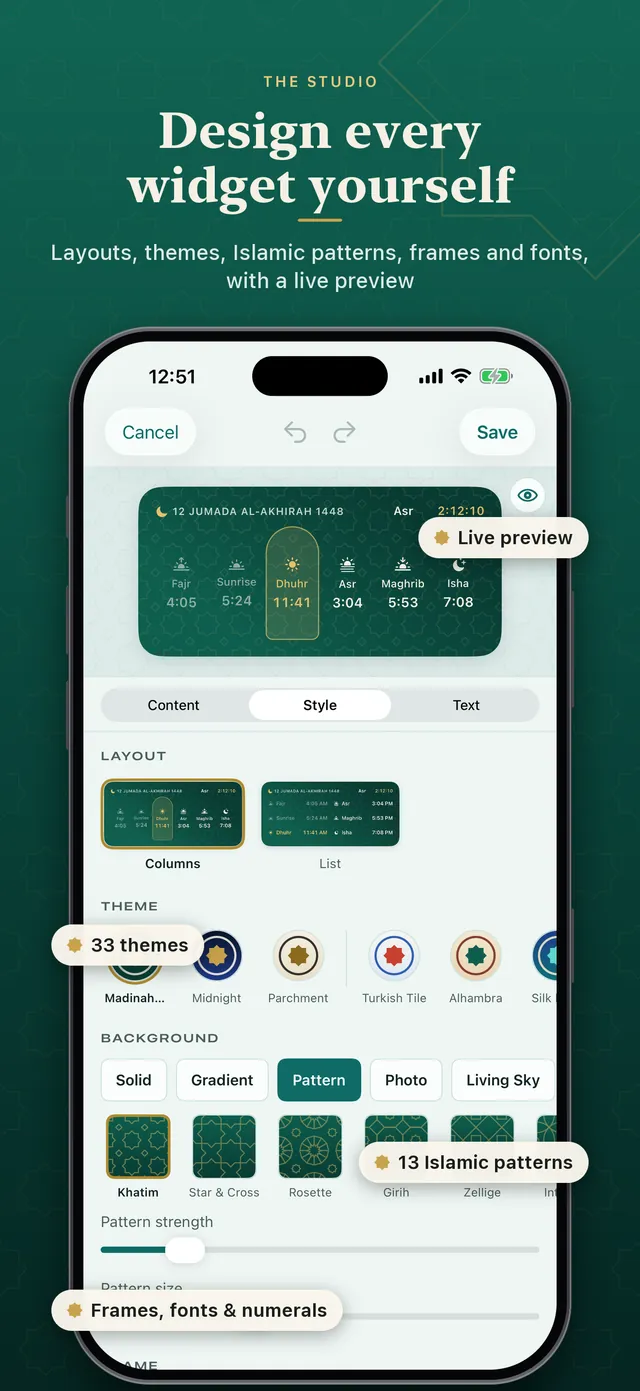
A live preview at the top of the editor and three tabs below it: Content, Style and Text. Preview a design in light and dark, tinted, on the Lock Screen or behind windows on the Mac, with undo and redo.
Layouts for every size
Each widget offers a few layouts per size, such as columns or a list for the prayer schedule.
13 Islamic patterns
Khatim, girih, zellige and more, drawn in code, with adjustable colour and strength. Or choose a solid colour, a gradient, frosted glass or your own photo.
Frames
Hairline, mihrab arch, star corners or manuscript border.
Fonts and numerals
Arabic faces from Naskh to Kufi and the Mushaf script, Latin faces from sans to serif. Arabic, transliteration or translation shown or hidden. Western (123), Arabic-Indic (١٢٣) or Persian (۱۲۳) numerals, and 12- or 24-hour time.
Every rendering mode
Widgets look right in full colour, on a tinted or clear Home Screen, on the Lock Screen and on the Mac desktop.
Start from an idea
Begin from a ready-made design, then apply a theme to every widget at once or only to the ones you choose.
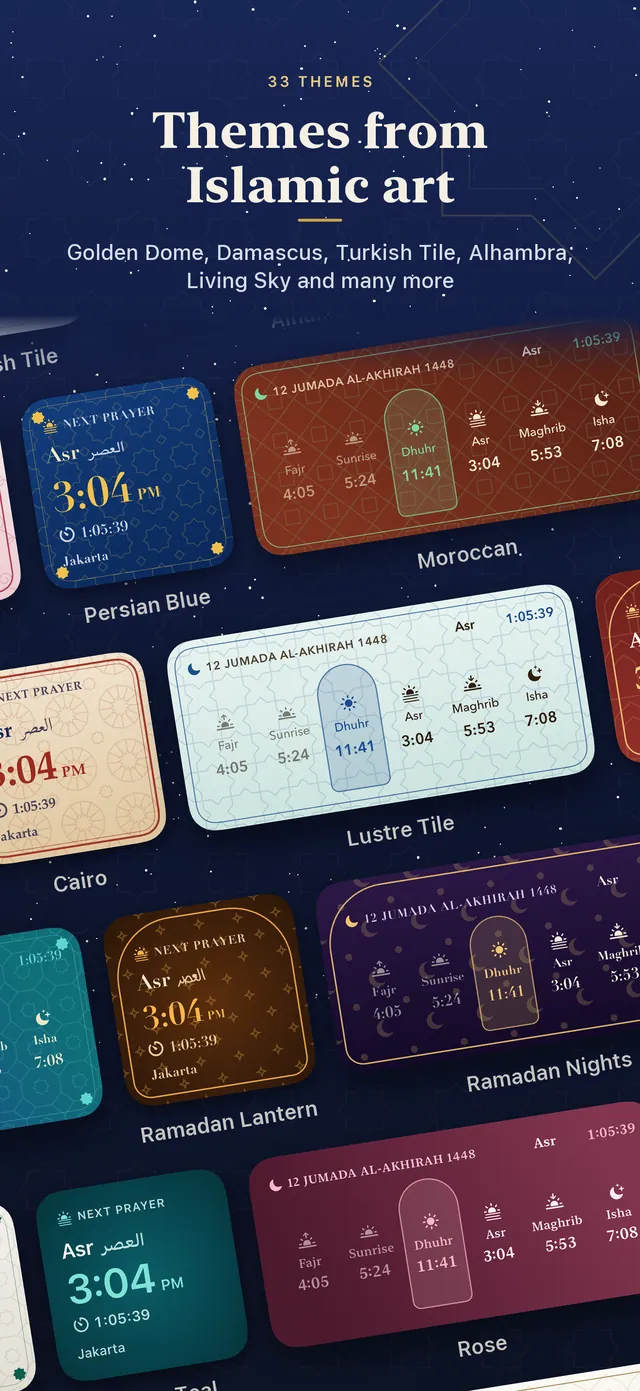
33 themes from Islamic art
Five collections: Islamic Art, Sky & Gradients, Ramadan, Hajj & Eid, Minimal, and Glass. Every theme is checked for readable text contrast. Three are free.
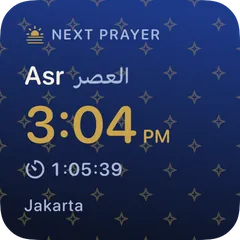
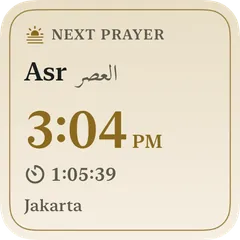
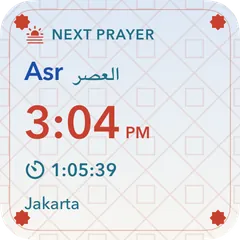
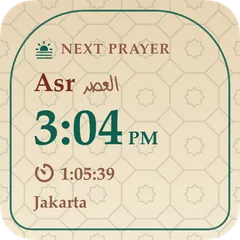
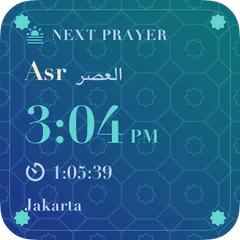
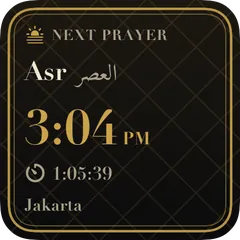
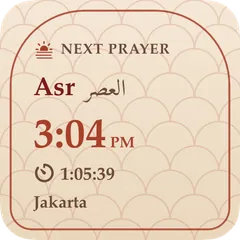
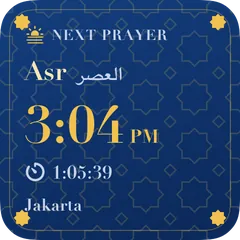
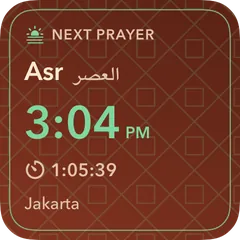
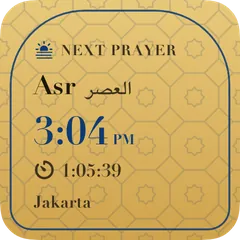
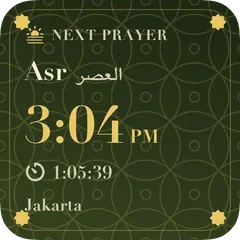
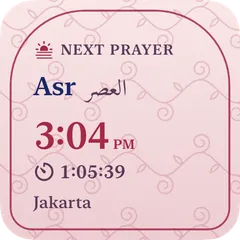
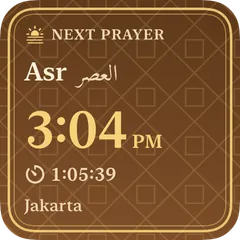
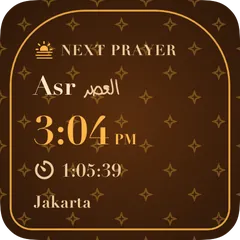
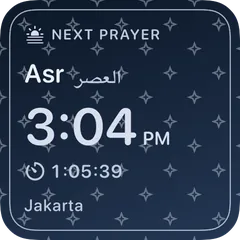
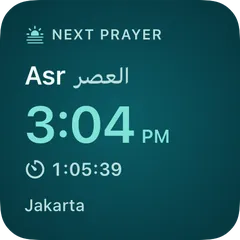
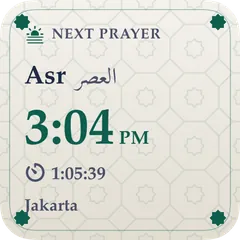
And 15 more: Cairo, Lahore, Lustre Tile, Carved Wood, Living Sky, Dawn, Sunset, Rose, Desert, Ramadan Nights, Ihram, Pure White, and Glass in Auto, Light and Dark.
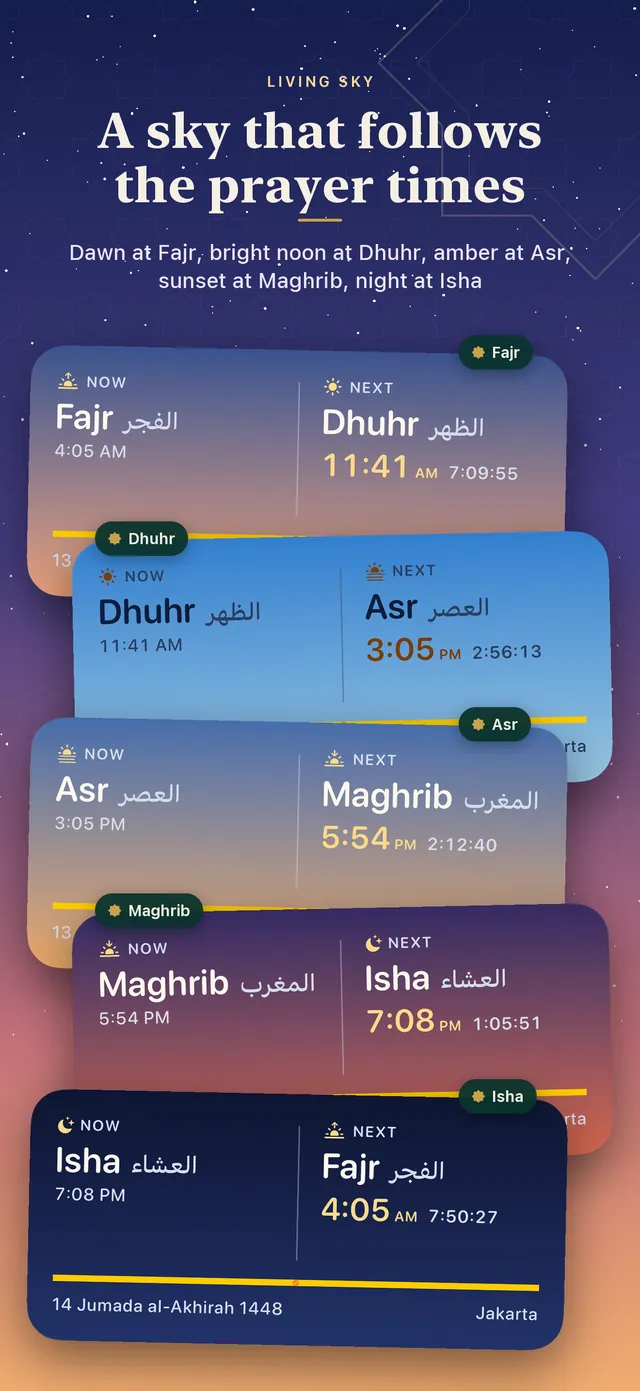
Living Sky
A background that follows the prayer times: dawn at Fajr, bright light at Dhuhr, amber at Asr, sunset at Maghrib and deep blue at Isha.
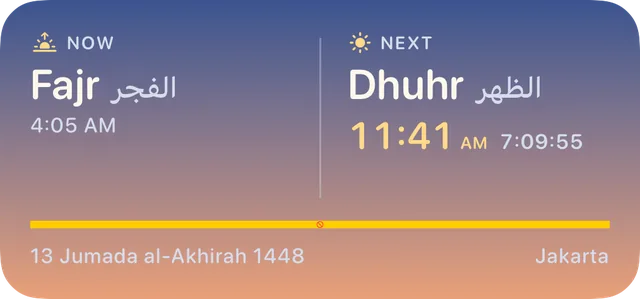
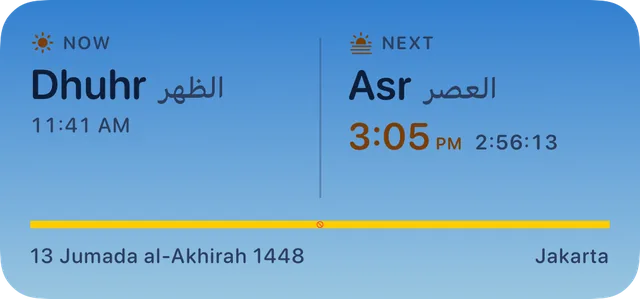
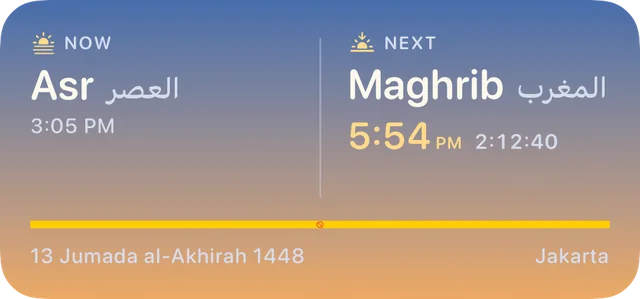
Smart Rotation
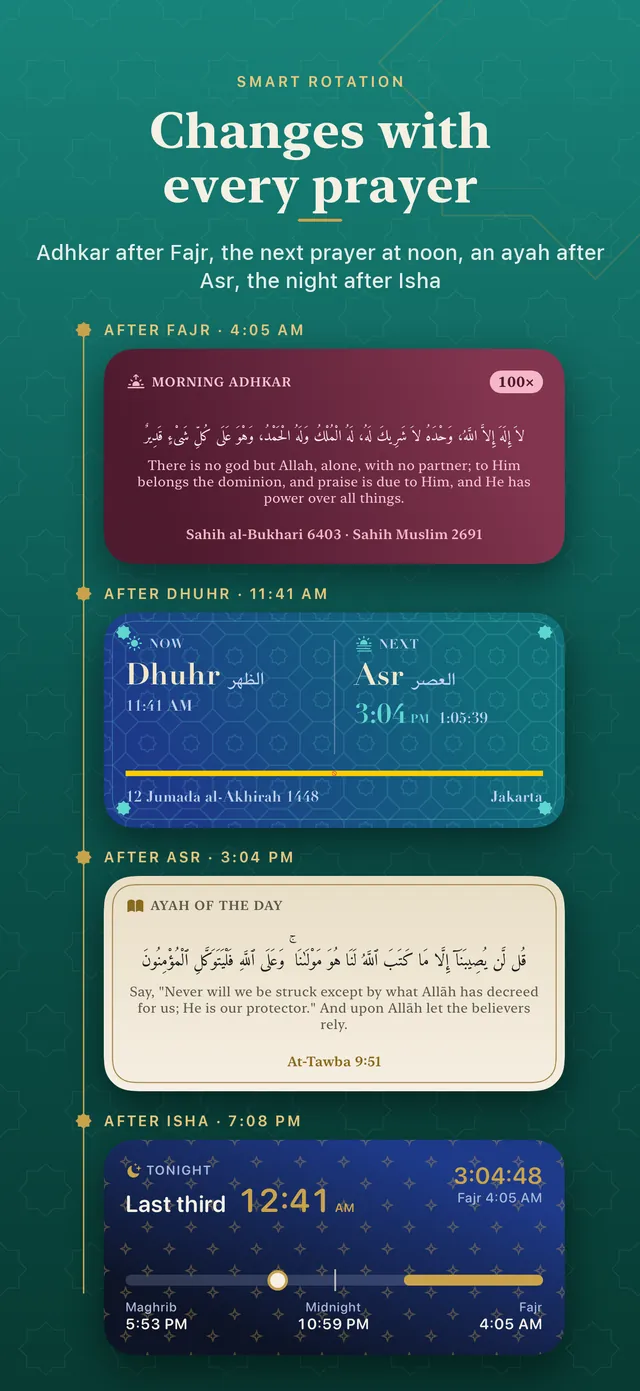
One widget, different designs through the day. Rules follow the prayer times, the day of the week, the Hijri month, the White Days and Islamic events, and the most specific rule wins. For example:
Fajr to sunrise
Morning adhkar
Dhuhr to Asr
Ayah of the day
Asr to Maghrib
Evening adhkar
Isha to Fajr
The Names of Allah
Friday morning
A reminder to read Surah Al-Kahf
All of Ramadan
The Ramadan countdown
Lock Screen, StandBy and your wrist
The same designs, wherever you glance.
Lock Screen widgets
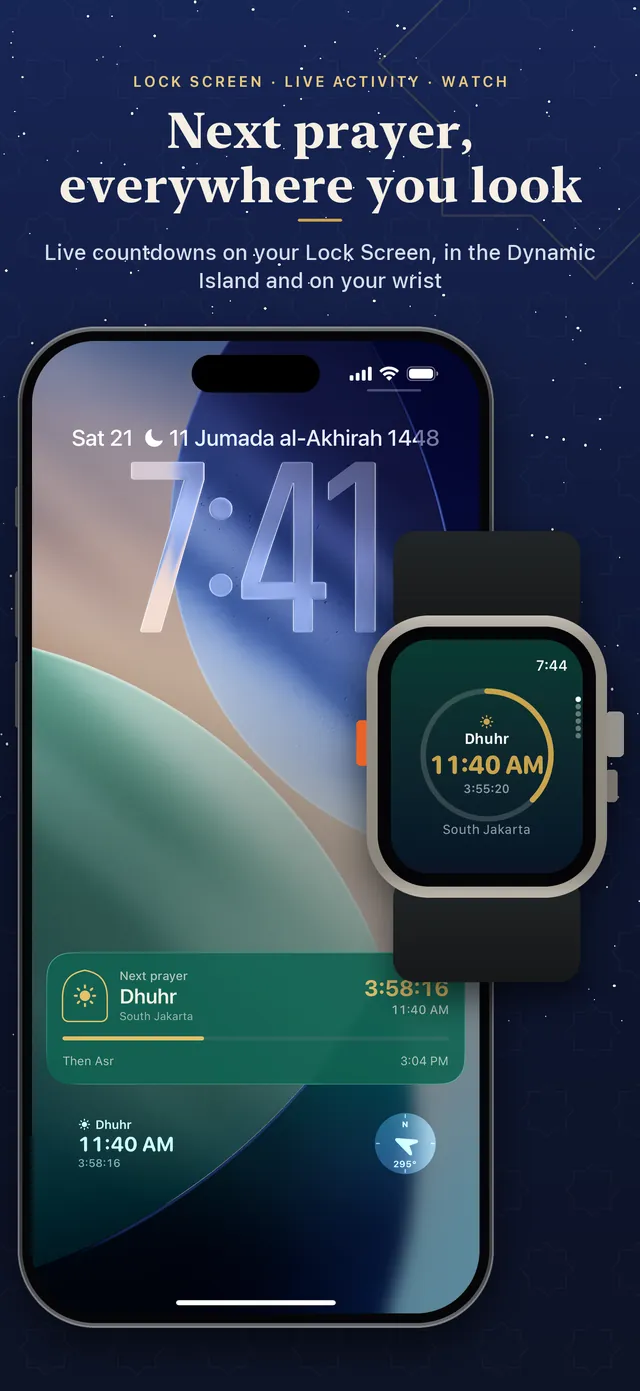
Every shape: next prayer, Hijri date, Qibla arrow, tasbih, prayer tracker, a short ayah and more.
StandBy
Your widgets show when your iPhone is charging on its side.
Live Activities
A countdown on the Lock Screen and in the Dynamic Island: the next prayer, suhoor and iftar, or the last third of the night. Start one each time you open the app, or from the Shortcuts app.
Apple Watch app
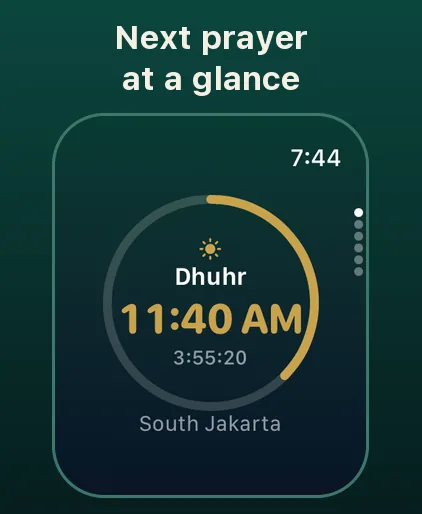
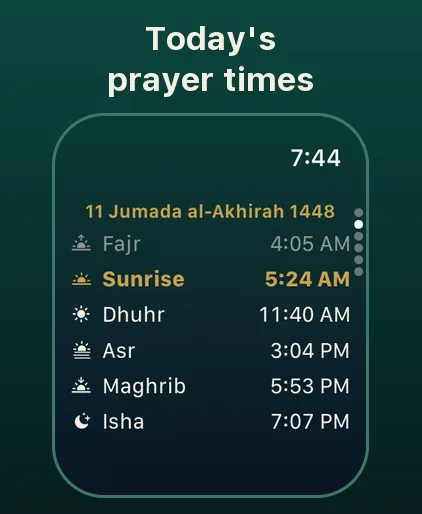
Six pages: the next prayer with a live countdown, today's times, the last third of the night, suhoor and iftar, a live Qibla compass and a tasbih with haptics.
Complications
For every watch face shape: Next Prayer, Last Third, Suhoor & Iftar, Prayer Times, Hijri Date, Ramadan, Next Sunnah Fast, Qibla and the Names of Allah. Follow your iPhone's design, or pick one on the watch.
iPad
The same studio and the same widgets run on iPad.
On your Mac, too
A native Mac app with the same studio, for widgets on your desktop and in Notification Center.
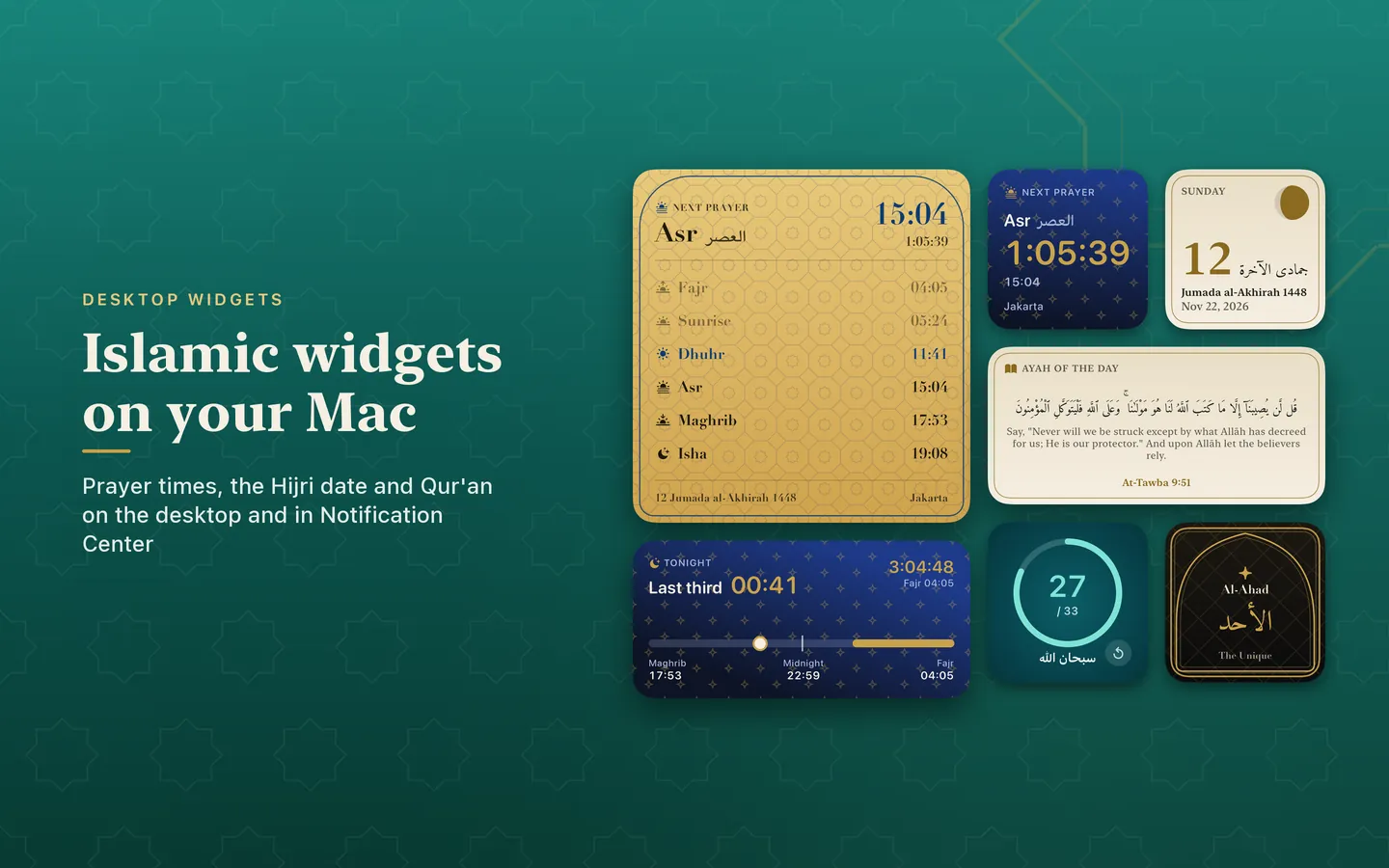
Desktop widgets
Small, Medium and Large, on the desktop and in Notification Center. Tap the Tasbih to count and the Prayer Tracker to mark a prayer, right on the desktop.
The same studio
Editor, themes, Smart Rotation and settings, built for the Mac. File › New Widget (⌘N), with undo and redo.
One purchase
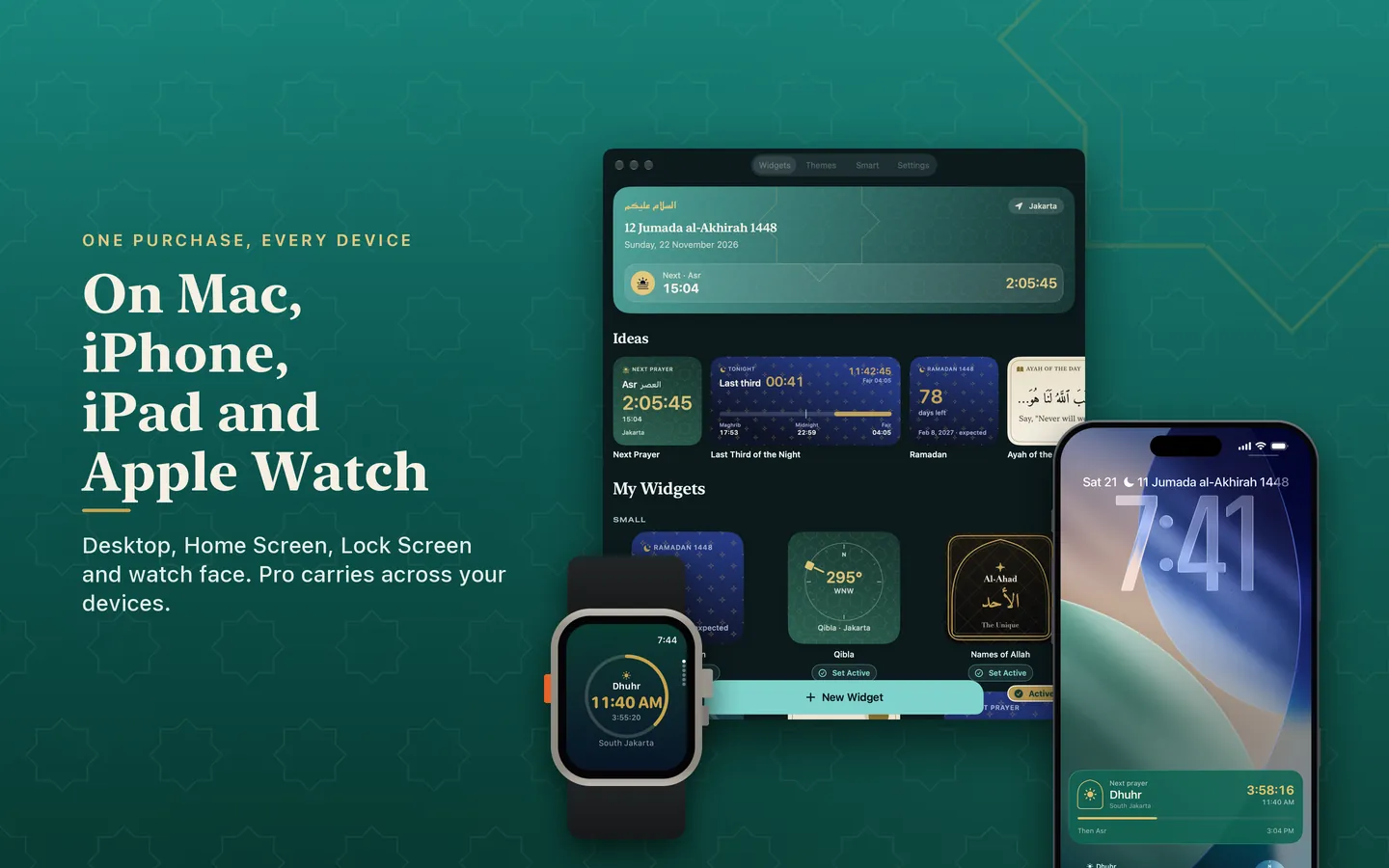
Pro bought on your iPhone or iPad also unlocks the Mac, with the same Apple Account.
Good to know
Designs are kept on each device and do not sync between iPhone and Mac yet. Lock Screen widgets, Live Activities and the Watch are on iPhone only.
Prayer times and the Hijri date
Calculated on your device, for where you are.
Your location
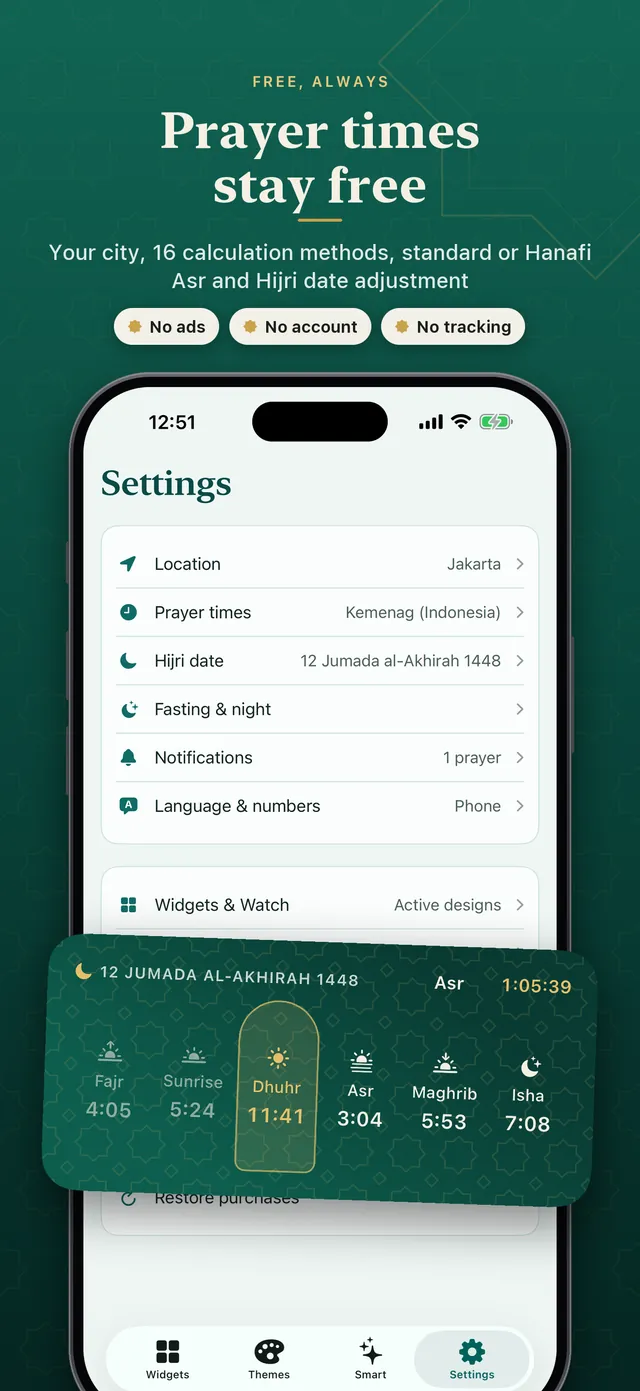
By GPS, by searching for a city, or by dropping a pin on a map. Without location access, choose your city by hand.
16 calculation methods
Umm al-Qura, Muslim World League, ISNA, Egyptian, Karachi, Kemenag, JAKIM, MUIS, Dubai, Qatar, Kuwait, Diyanet, Tehran, Moonsighting Committee, UOIF and Russia. The usual method for your country comes first.
Asr and high latitudes
Standard or Hanafi Asr. Rules for places far north or south, on by default above 48°.
Match your mosque
Adjust each prayer by a few minutes, and turn on optional reminders for each prayer.
Hijri calendar
Umm al-Qura, with an adjustment of up to two days for local moon sighting. The new day starts at Maghrib.
Free, and staying free
Prayer times and the Hijri date are never behind a paywall.
Prayer times and Hijri date
Every calculation method and adjustment, on every widget that shows them.
All the worship content
Ramadan, fasting and event countdowns, Qibla, tasbih, the Names of Allah, and a new ayah, hadith and adhkar each day.
One widget, three themes
One Small, Medium or Lock Screen widget in Madinah Green, Midnight or Parchment, with solid, gradient or pattern backgrounds.
Private by design
No account, no server, no ads, no tracking and no analytics. Everything you design stays on your device.
Muslim Widget Studio Pro
A one-time Lifetime purchase or a Yearly subscription. One purchase works on your iPhone, iPad and Mac with the same Apple Account.
Unlimited widgets
As many designs as you like, including Large widgets.
All 33 themes
Including Glass and Living Sky.
Your own style
Custom colours, photo backgrounds, the arch, star-corner and manuscript frames, and every font.
Shuffle
A new ayah, hadith or dhikr every 15 minutes to 12 hours.
Smart Rotation
One widget that changes its design through the day.
Apple Watch complications
Prayer, night, fasting, Hijri, Qibla and the Names of Allah on any watch face.
Five more widgets
Sun Arc, Prayer Tracker, Sleep for Tahajjud, Custom Text and Photo + Overlay.
Support
Quick answers and a direct line to the developer.
How do I add a widget?
Touch and hold an empty area of your Home Screen, tap Edit › Add Widget, search for Muslim Widget, choose a size and tap Add Widget. The widget shows the design marked Active in the app.
How do I add one on my Mac?
Control-click the desktop, choose Edit Widgets, search for Muslim Widget and drag a size onto the desktop or into Notification Center.
How do I change which design a widget shows?
In the app, touch and hold a design and choose Use on My Widget, or go to Settings › Widgets & Watch. To keep one widget on one design, touch and hold it on your Home Screen and choose Edit Widget.
A prayer time looks wrong
Check Settings › Location, then the calculation method under Settings › Prayer times. Choose the method your local mosque follows, and adjust each prayer if needed.
The Hijri date is a day off
Moon sighting differs between countries. Open Settings › Hijri date and adjust it by one or two days.
Restore Pro
Settings › Restore purchases, on any iPhone, iPad or Mac signed in to the Apple Account that bought it. Manage or cancel a subscription in your Apple Account settings.
Where do the verses and hadith come from?
The Qur'an text is the Tanzil Uthmani text (tanzil.net). Translations are Saheeh International (English) and the Indonesian Ministry of Religious Affairs, from QuranEnc.com. Hadith and adhkar translations are from HadeethEnc.com. Full credits are in Settings › Acknowledgements.
What do I need?
iPhone or iPad with iOS 17 or later, or a Mac with macOS 14 or later. Apple Watch with watchOS 10 or later is optional. Live Activities need an iPhone that supports them.
Which languages?
Widget text in English, Arabic, Indonesian and Turkish, with a full right-to-left layout for Arabic. Prayer names can be shown in your language or in Arabic. The studio itself is in English for now.
Email support
For anything else: support@ibrahimalik.com